


What is Batch Image Converter?
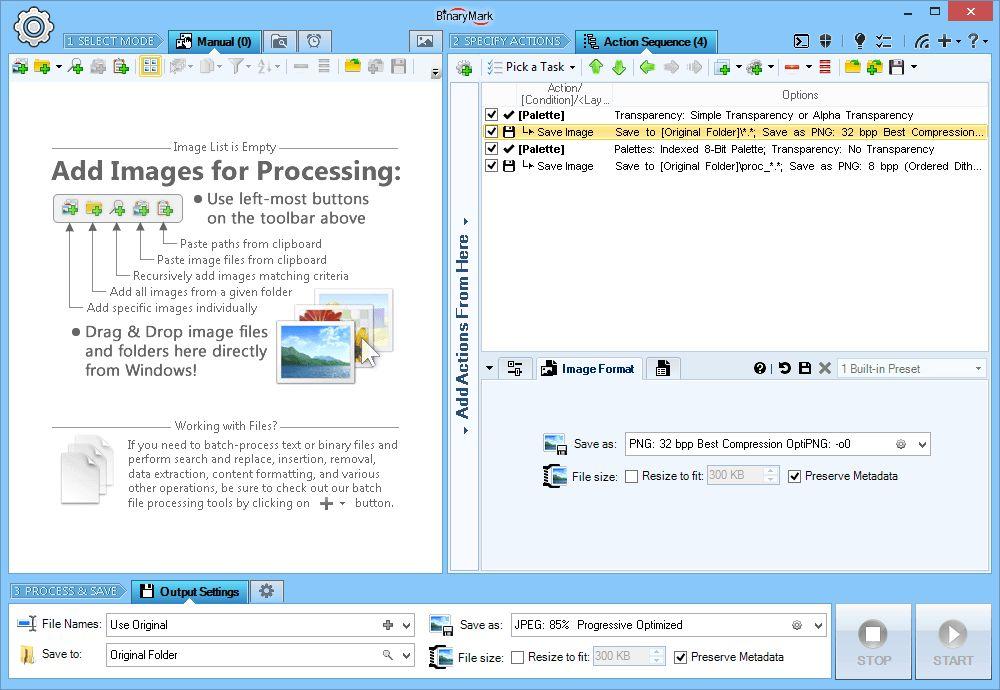
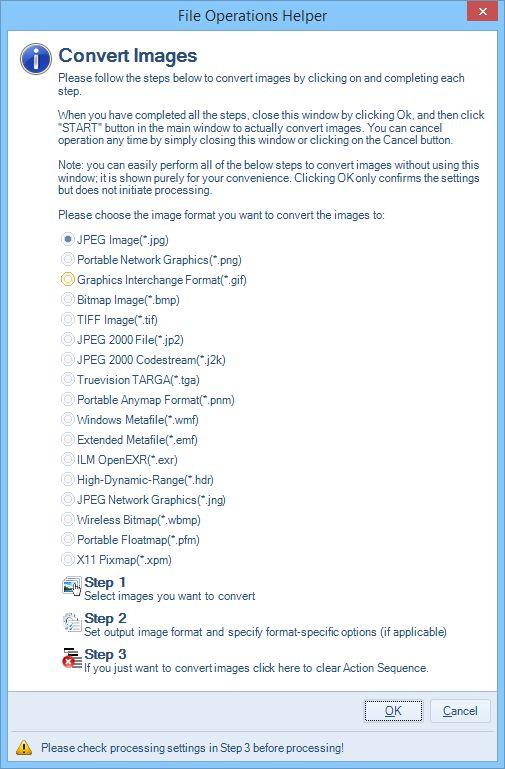
This app offers a comprehensive solution for seamlessly converting a wide array of image formats, empowering users to effortlessly manage their visual content. With support for over 30 file formats, including industry-standard options like JPG, PNG, GIF, and TIFF, as well as more specialized formats such as JP2, J2K, and RAW, this tool caters to the diverse needs of both casual users and professional creatives
Highlights
- Supports conversion between 30+ image formats, including JPG, PNG, GIF, TIFF, BMP, and more
- Enables control over encoding options, such as quality, compression, dithering, palette, bit depth, and quantization
- Provides a preview of the image and output file size for informed decision-making
- Supports lossless JPEG rotations and cropping
- Includes over 120 actions and effects for advanced image manipulation
Features
Image Processing
Portable
Batch processing
Batch conversion
Image Conversion