
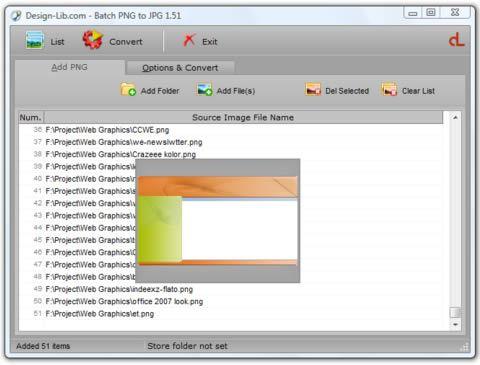
What is Batch PNG to JPG?
This easy-to-use desktop utility allows users to convert multiple PNG image files to JPEG format in a single batch process. The program supports converting PNG files with multiple layers or frames, handling the conversion of the first frame only for animated PNGs. Users can select individual PNG files or entire folders containing PNG content, then specify the output directory and JPEG quality settings to suit their needs. The converted JPEG images are saved to the designated location, providing a streamlined workflow for users who require batch conversion of PNG files to the more widely compatible JPEG format
Highlights
- Batch conversion of PNG to JPG files
- Handles multi-layer and multi-frame PNGs, converting the first frame
- Allows selection of individual PNG files or entire folders for conversion
- Lets users specify the output directory and JPEG quality level
- Saves converted JPG files to the designated location
Platforms
- Windows
Languages
- English
Features
Image Processing
Batch processing
Batch conversion
Image Conversion