
What is Code Blue?
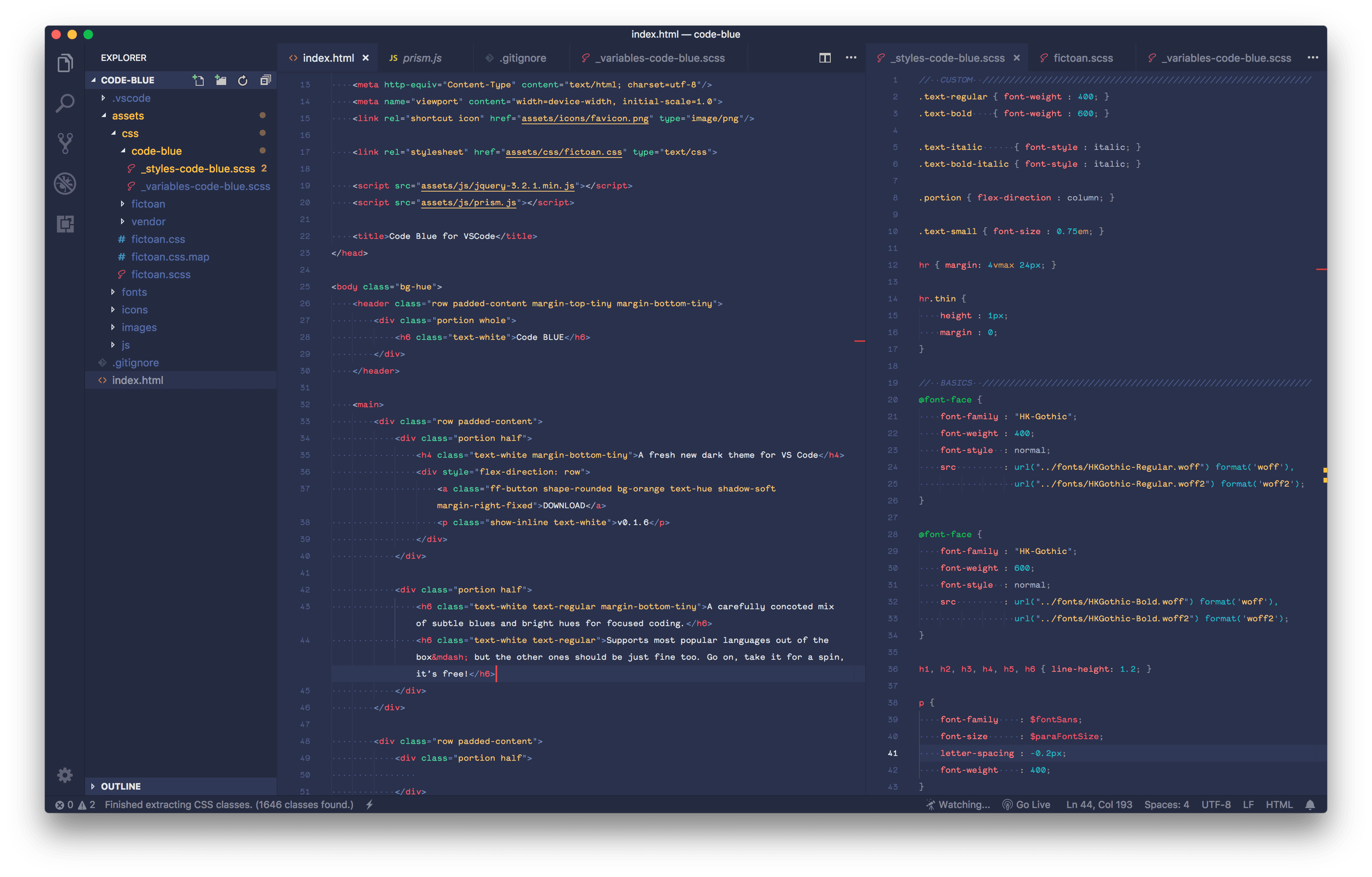
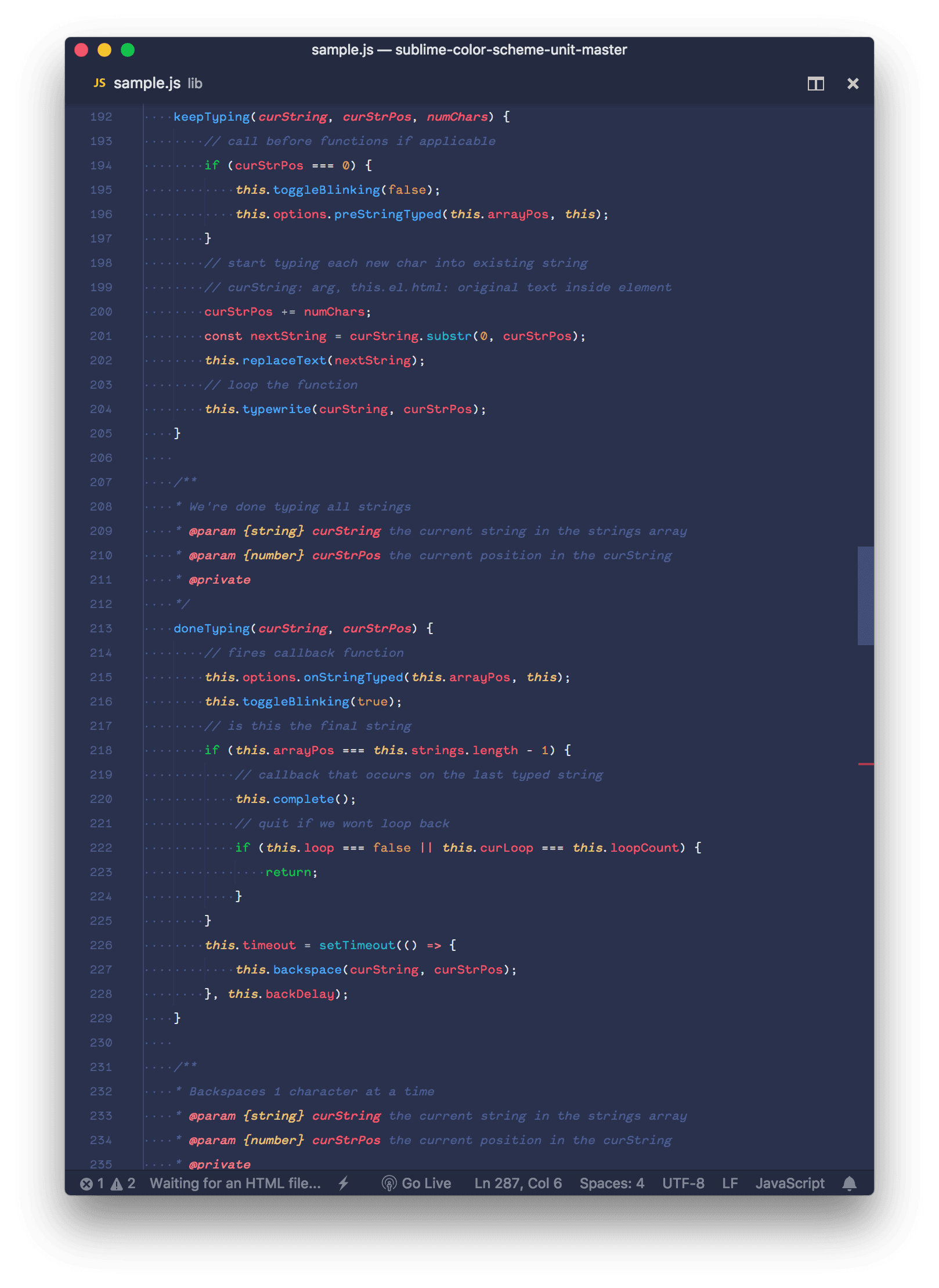
The "Code Blue" theme for Visual Studio Code offers a meticulously crafted dark color scheme that combines soothing blues and vibrant hues, creating a visually appealing environment optimized for focused coding sessions. Designed with user comfort in mind, this theme aims to reduce eye strain and provide a harmonious workspace for developers to enhance their productivity. To install the theme, simply search for "Code Blue" in the VSCode Extensions marketplace, download it, and select the theme from the list upon reloading the application. Users are encouraged to provide feedback, report any issues, and suggest improvements to help refine the theme and deliver an optimal coding experience
Highlights
- Carefully curated dark color scheme with subtle blues and bright hues
- Designed to minimize eye strain and provide a comfortable coding environment
- Easy to install through the VSCode Extensions marketplace
- Allows users to select the theme from the list after reloading the application
- Welcomes user feedback and suggestions for further improvements
Platforms
- Web