

What is Gofullpage?
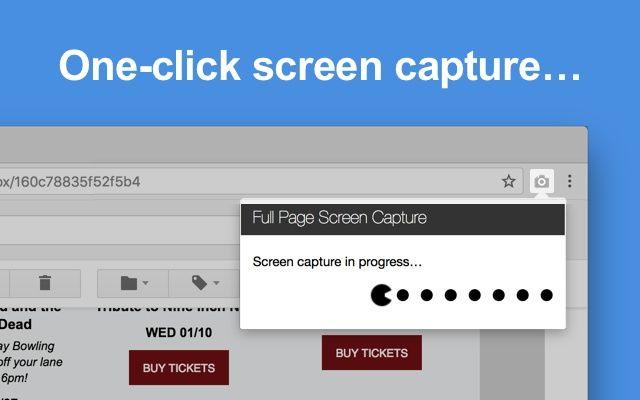
Capture a full-page screenshot of your current browser window with this simple and reliable Chrome extension. In a single click, the extension will seamlessly capture every part of the webpage, including any scrollable elements or embedded iframes, without requiring any additional permissions. Once the screenshot is taken, you'll be transported to a modern interface where you can crop, edit, and annotate the image as needed. Export your screenshot as an image, PDF, or copy it directly to your clipboard to share with others or keep for your own records. This extension is completely free of bloat, ads, or unnecessary features, providing a straightforward and efficient way to turn any web page into a visual representation. If you encounter any issues, you can easily report them through the customer support flag on the capture page, allowing the developers to continuously improve the extension for all users
Highlights
- Captures full-page screenshots with a single click, including complex pages with scrollable elements and embedded iframes
- Provides a modern interface for cropping, editing, and annotating the screenshot
- Offers export options to save the screenshot as an image, PDF, or copy to clipboard
- Completely free of bloat, ads, and unnecessary permissions
- Allows users to report any issues through customer support for continuous improvement
Features
Upload Screenshot
Annotate Screenshot
Share screenshots
Full-page Screenshot
Edit screenshots