What is BeeGraphy Editor?
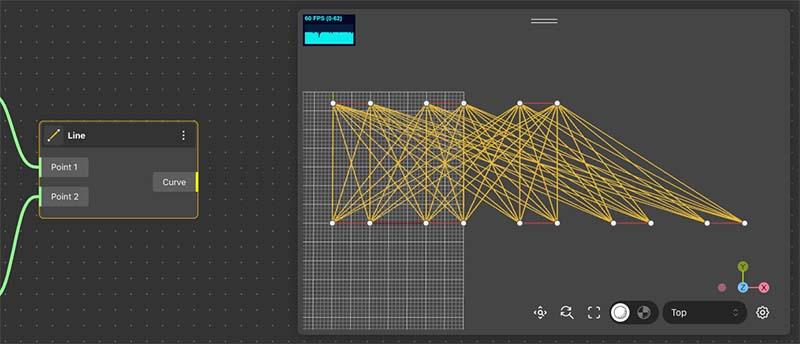
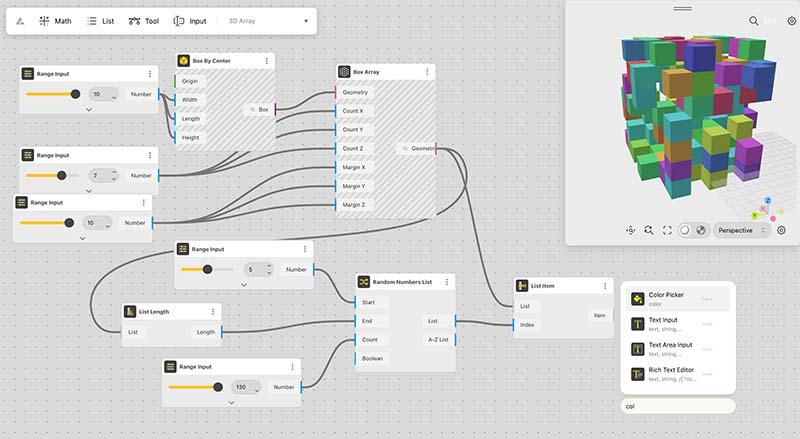
BeeGrapy Editor is an online 3D modeling software that empowers designers to create both 2D and 3D models using a generative design approach. The program is equipped with a comprehensive range of parametric modeling tools, allowing users to design computational models. BeeGraphy is an online software-as-a-service platform where users can create 2D and 3D parametric models and sell them on the 3D models marketplace. The platform offers collaboration tools, sketching and annotation tools, cloud storage, and 3D view sharing. For beginners and non-professionals, BeeGraphy provides ready-to-produce parametric 2D and 3D models, enabling users to easily modify the 3D model's parameters and download the ready model or order on-demand manufacturing. BeeGraphy enables users to work on existing static models, make parametric changes, and generate customized models. The platform offers an API, providing opportunities for external apps, stores, and design specialists to build integrations and access the platform's functions and high-performance computing in real-time. Cloud servers support the creation, storage, and editing of large-scale 3D and 2D parametric models
Highlights
- Parametric 2D and 3D model creation
- Online 3D modeling software with generative design capabilities
- Collaboration tools, sketching, annotation, and 3D view sharing
- Ready-to-produce parametric models for beginners and non-professionals
- Ability to modify 3D model parameters and order on-demand manufacturing
- API and integrations for external apps, stores, and design specialists
- Cloud-based platform for building, storing, and editing large-scale parametric models
Platforms
- Web-based
Features
Email/Help Desk
In Person
FAQs/Forum
Knowledge Base
Videos
Documentation