


What is CloudBerry Box?
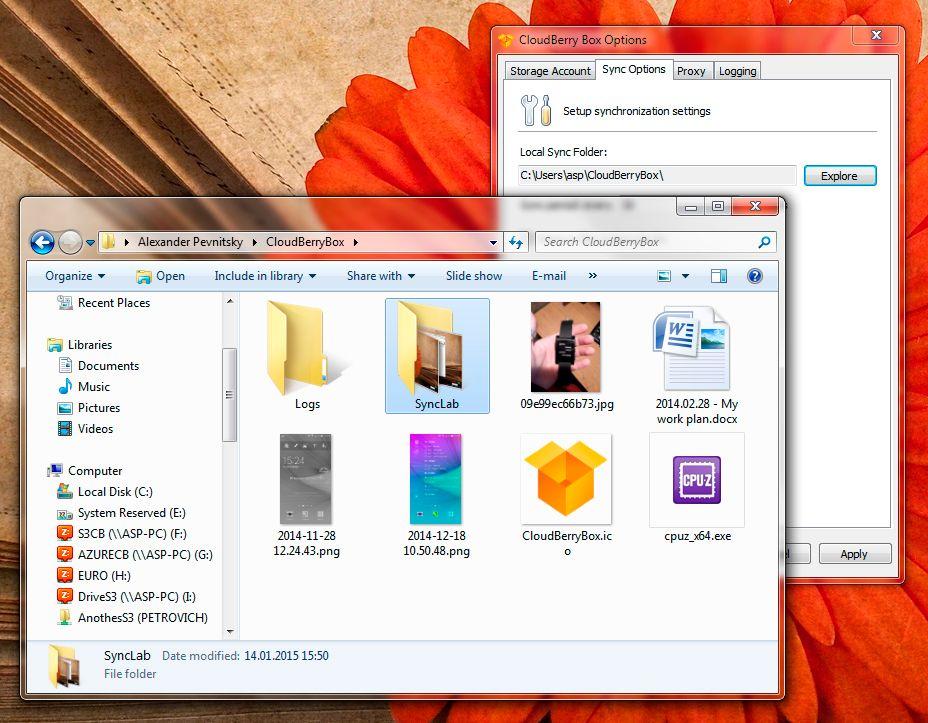
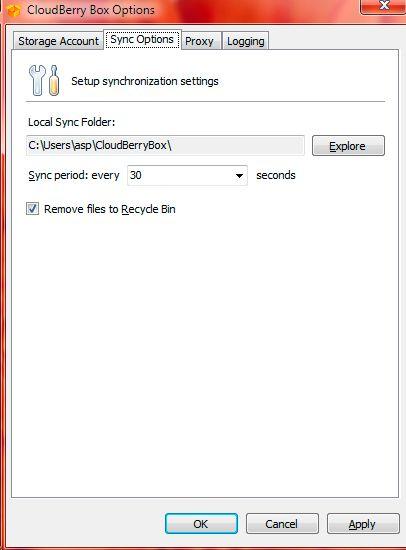
CloudBerry Box enables users to synchronize data between remote computers through personal cloud storage accounts. The application facilitates bi-directional synchronization, allowing changes made on one computer to automatically propagate to all linked endpoints. Users can leverage their own cloud storage services, such as Amazon S3, Microsoft Azure, Google Cloud, or Rackspace, to host the synchronized data without involving any third-party intermediaries in the data processing
Highlights
- Bi-directional Synchronization: Automatically sync changes across all connected computers
- Managed Cloud Storage: Use your own cloud storage account to host the synchronized data
- Multiple Storage Support: Integrate with popular cloud storage providers including Amazon S3, Microsoft Azure, Google Cloud, and Rackspace
Features
Sync with Dropbox
Folder Sync
File Sync
2 way sync