
What is EverEdit?
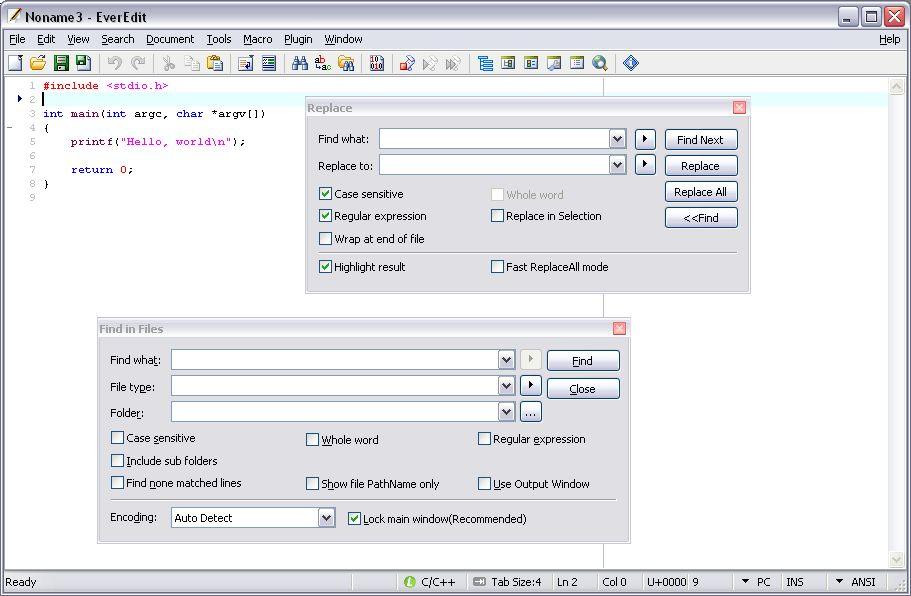
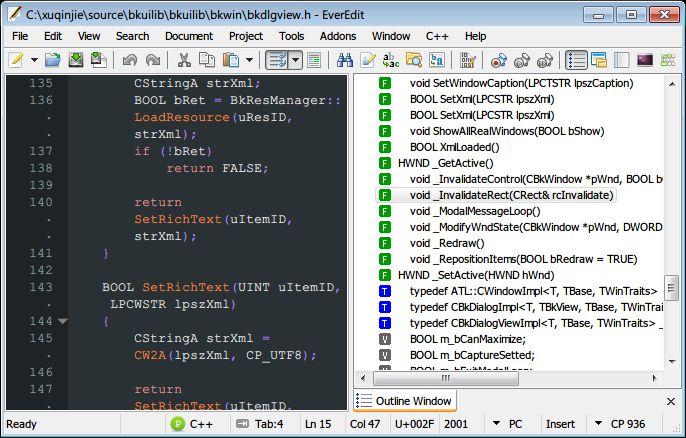
EverEdit is a versatile text, source, and binary editor for Windows operating systems, including Windows XP, Windows Vista, Windows 7, and Windows Server 2003 and later. While it can serve as a capable replacement for Notepad, it also offers a wealth of features catered to web page authors and programmers. With robust support for Unicode character encoding, including U16, U16-BE, UTF-8, Chinese, Japanese, and Korean, EverEdit ensures seamless handling of diverse text content. Its snippet functionality, accessed through the Tab or Shift+Tab keys, allows for efficient editing and navigation. The application boasts an advanced encoding detector, enabling users to effortlessly work with large files without excessive memory consumption. EverEdit's powerful Regular Expression engine, compatible with PCRE (Perl-Compatible Regular Expressions), provides advanced text manipulation capabilities. Developers can further extend the software's functionality through its embedded VBS/JScript script engine, as well as its macro and plugin support systems. Users can customize the application to suit their preferences, including tools, keyboard shortcuts, and theme-able edit areas. Additional features, such as column mode editing, unlimited undo and redo, code folding, and the ability to display invisible
Highlights
- Comprehensive Unicode support, including U16, U16-BE, UTF-8, Chinese, Japanese, and Korean
- Snippet functionality for efficient editing and navigation
- Advanced encoding detector for working with large files
- PCRE-compatible Regular Expression engine for advanced text manipulation
- Embedded VBS/JScript script engine, macro, and plugin support for extensibility
Platforms
- Windows
Languages
- English
Features
Lightweight
Tabbed interface
Portable
Snippets
Support for regular expressions
Support for Unicode
Drag and Drop