
What is keystarter?
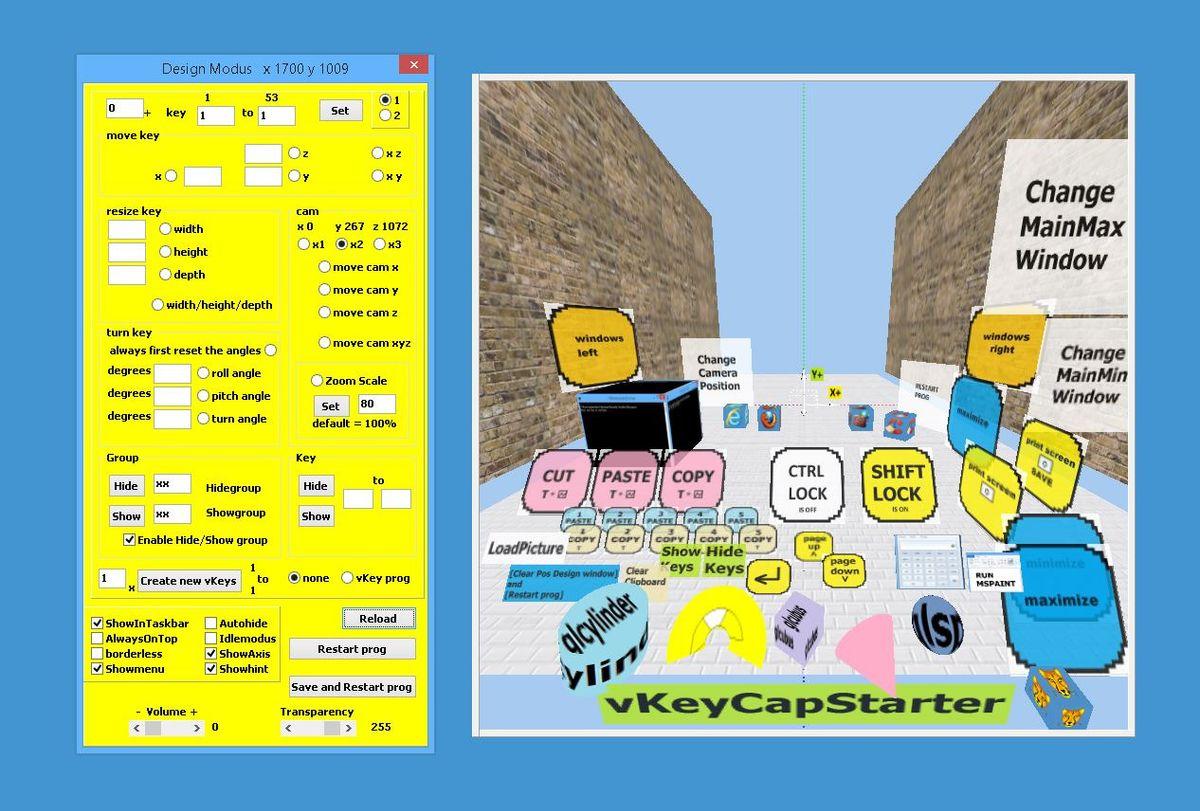
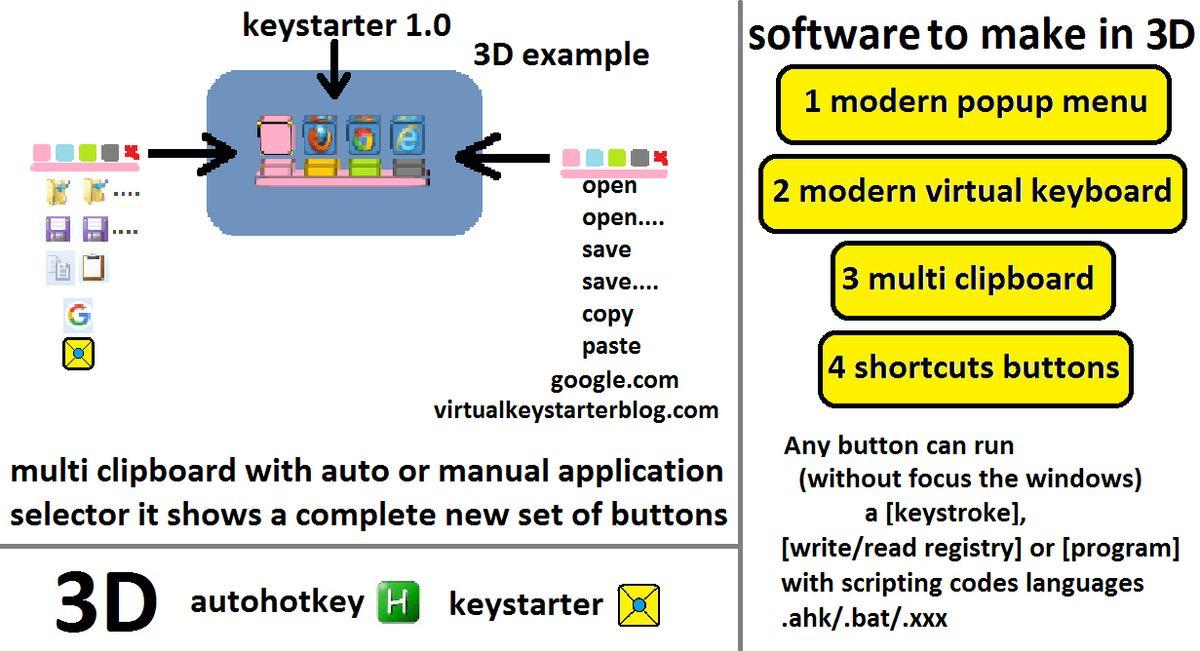
The Keystarter automation software empowers users to create a customized set of 3D button icons with keyboard command scripts, enabling the construction of personalized popup menus, clipboards, or virtual keyboards. This versatile tool allows users to automate keyboard, joystick, and mouse movements, expanding the capabilities of macros, hotkeys, and shortcuts
Highlights
- Create 3D button icons with AutoHotkey command scripts
- Buttons can send text, keystroke combinations, run applications, or execute batch scripts
- Access and manipulate the Windows registry
- Build custom popup menus, clipboards, or virtual keyboards that follow the mouse pointer or reside on the desktop
- Automate keyboard, joystick, and mouse movements
- Available as freeware for 5 days a week, with a license required for Saturday and Monday
- Designed for use with mouse and touch devices
- Supports Windows 7, 8, 8.1, and 10 operating systems
Platforms
- AutoHotkey
- Windows
Languages
- English
Features
Run Windows software
Portable
Launcher
Support for scripting
Support for Hotkeys
Text Expansion
Autohotkey
On-screen Keyboard