

What is Microsoft Remote Desktop?
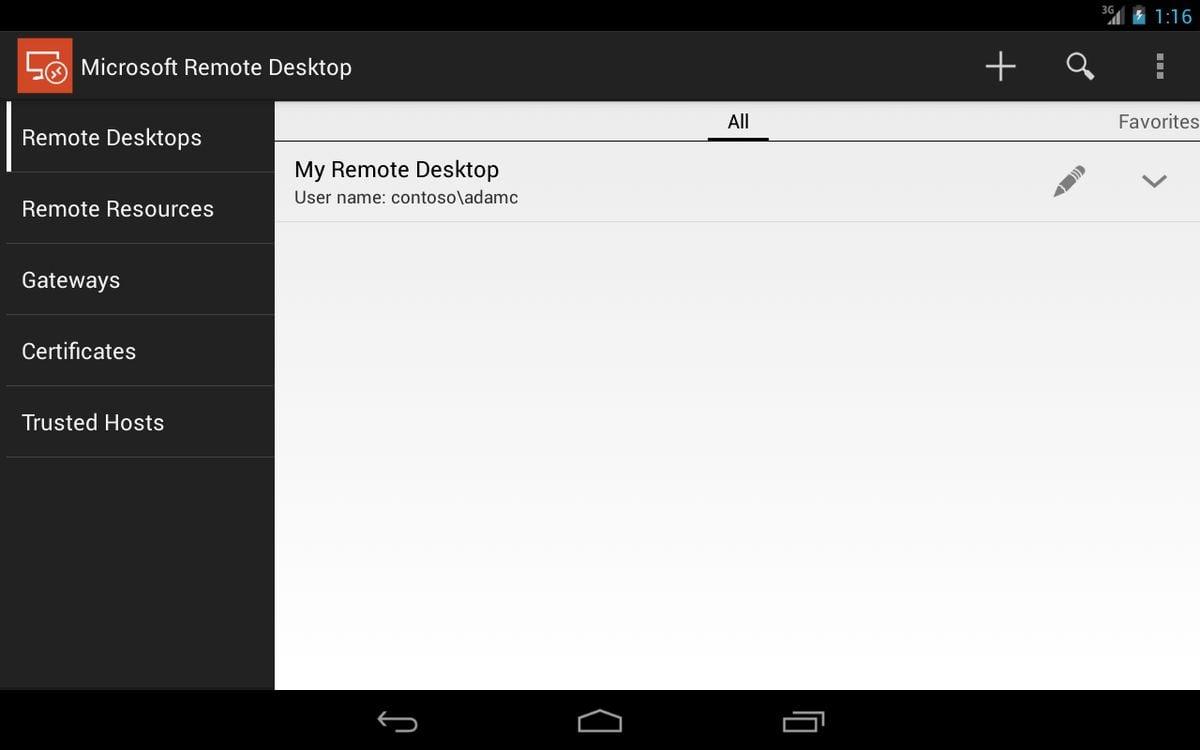
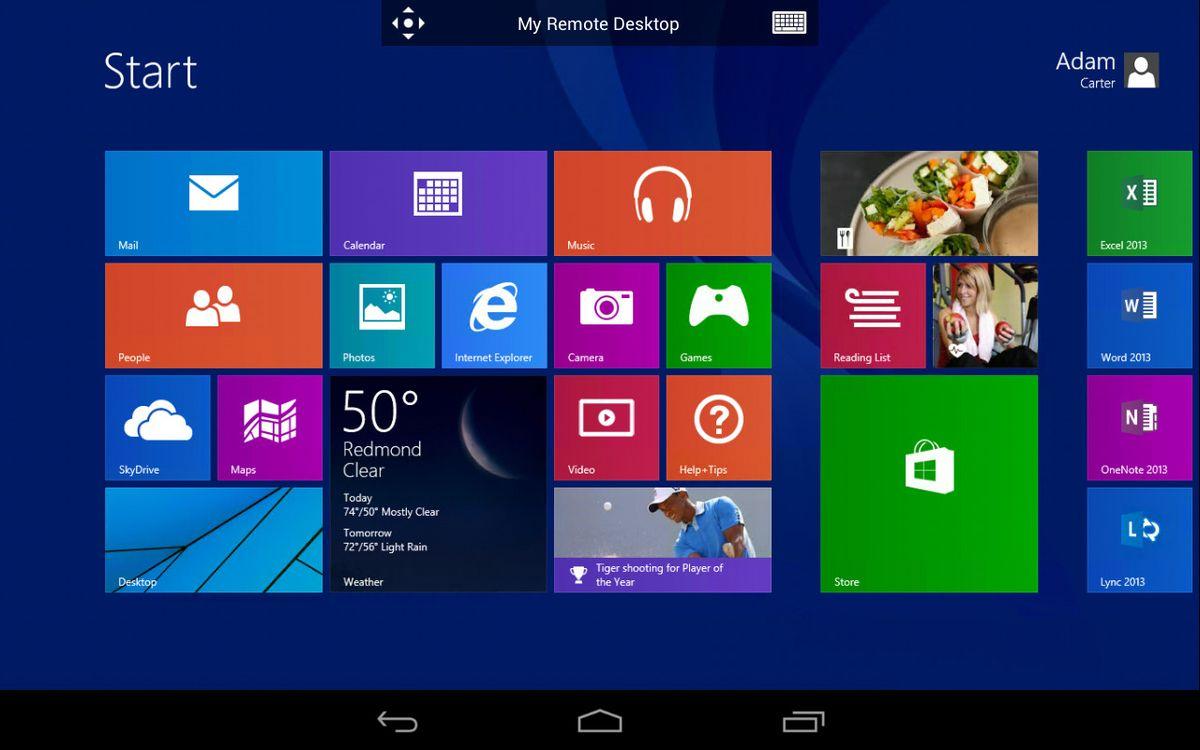
You can use Microsoft Remote Desktop for Android to connect to a remote PC or virtual apps and desktops made available by your admin. The app enables you to be productive no matter where you are. With the Microsoft Remote Desktop app, you can connect to a remote PC and your work resources from almost anywhere. You can experience the power of Windows with RemoteFX in a Remote Desktop client designed to help you get your work done wherever you are. The client can run on almost any device, including your mobile smartphone, and gives you the same control as if you were using the PC's keyboard. Through the client, you can operate the apps installed on the PC, access the files and network resources of the PC, and leave the apps open when you end the client connection
Highlights
- Connect to a remote PC or virtual apps/desktops from your Android device
- Access your work resources and operate apps on the remote PC
- Experience the power of Windows with RemoteFX
- Leave apps open when disconnecting from the remote session
Platforms
- Android
- iPhone
- Windows
- iPad
- Windows Phone
- Mac
- Android Tablet
Languages
- English
- Danish
- Dutch
- Finnish
- French
- German
- Italian
- Japanese
- Norwegian Bokmål
- Polish
- Portuguese
- Russian
- Chinese
- Spanish
- Swedish
Social
Features
Remote Printing
Built-in File Manager