


What is oMega Commander?
oMega Commander is a comprehensive file management solution designed to streamline digital organization and productivity. Beyond the standard file operations, it offers a suite of advanced features to enhance user workflow
Highlights
- Built-in powerful editor/viewer for seamless file handling
- Secure deletion and fast splitting/joining of files
- Free space monitoring system and feedback function
- Customizable archive function with expanded capabilities
- Robust search functionality including encrypted archives
- 4K user interface with one and two-panel modes
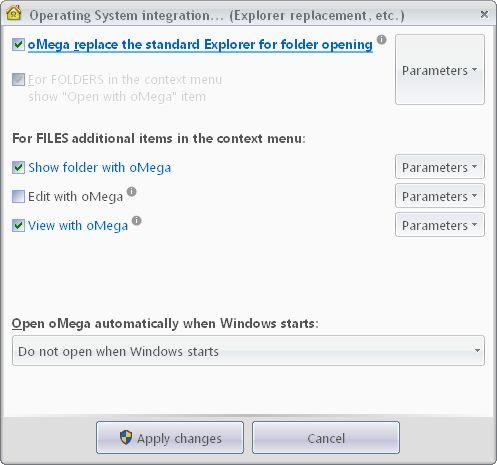
- Mobile device support and OS integration
- Group and sequential renaming, custom hotkeys
- Highly customizable interface with font, color, and display options
- Designed as a central control center for managing multiple applications and maintaining collaborative workflows
Features
ZIP File Mounting
Portable
Feedback
Support for Unicode
Quick search
Dark Mode
Custom shortcuts
File Search
Dual Pane Support
Queued Operations
Optimal performance
Search in Archives
Customizable
Split-screen view
Support for 4K
Batch Rename Files
Tabbed interface
Tree view
Multiple languages
Flat view
Two-panel file manager
Help on local file
Ribbon Interface
Multi-tabs
Function Key Shortcuts
Folders
Windows-explorer
Folder Size