
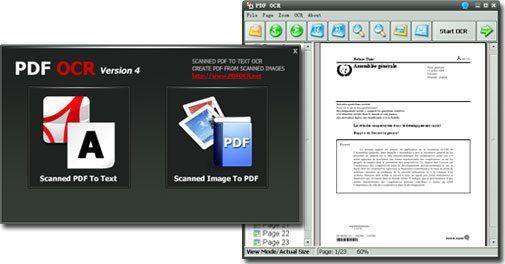
What is PDF OCR?
This app offers a seamless solution for editing scanned PDF documents with a user-friendly interface, akin to the experience of editing a text file. Its powerful OCR (Optical Character Recognition) engine quickly converts PDF files into editable text with just two simple clicks, boasting a 92 faster processing speed compared to other OCR software on the market. The app supports a wide range of languages, including English, German, French, Spanish, Italian, and more, providing users with a versatile and efficient tool for their document management needs. Whether you need to edit a single page, a range of pages, or an entire PDF, this app puts the power of text editing at your fingertips, streamlining your workflow and enhancing your productivity
Highlights
- Converts scanned PDF documents into editable text files with a fast and accurate OCR engine
- Supports over 10 languages, including popular European languages
- Allows for selective OCR processing of single pages, a range of pages, or the entire document
Platforms
- Windows
Languages
- English
Features
OCR
Portable
Image to text
Convert images to PDF