


What is Screenleap?
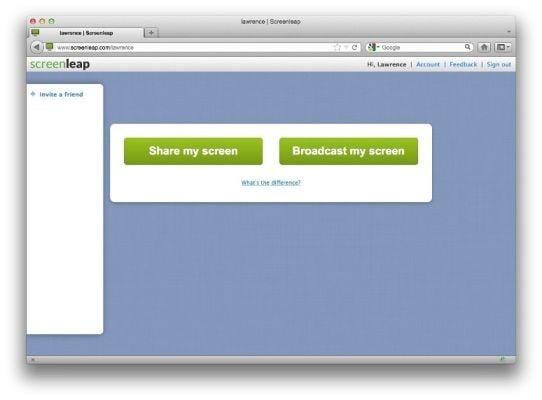
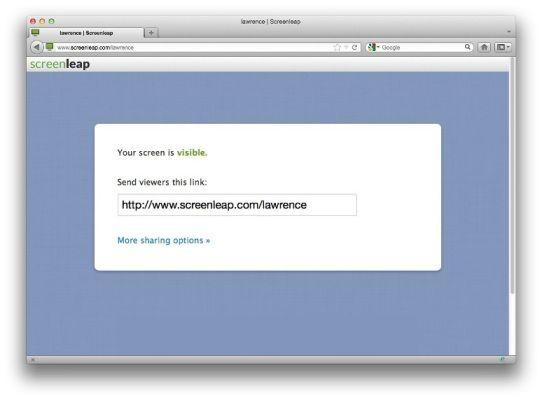
Screen sharing with Screenleap is a simple and accessible way to share your computer screen with anyone, anywhere. This free web-based service allows you to instantly share your screen, application, or browser window with an unlimited number of participants, without requiring any downloads or account setup.
Highlights
- Instant screen sharing: Start a screen sharing session directly from your web browser with no installation or login required
- Cross-device compatibility: Participants can view your screen from their laptops, desktops, or mobile devices using any web browser
- Collaborative features: Share screen controls with participants to enable real-time collaboration
- Educational applications: Teachers can use Screenleap to share lessons, track student engagement, and record sessions for later review
- Customer support: Agents can generate sharing links to provide remote support, training, and troubleshooting
- Cloud-based screenshot management: Capture, annotate, and share screenshots using the built-in tools
Features
Java based
Video Conferencing
Gmail extension
Wikipedia integration
Audio Conferencing
Website integration
Screen Sharing