

What is Screentik - Screenshot Capture Tool?
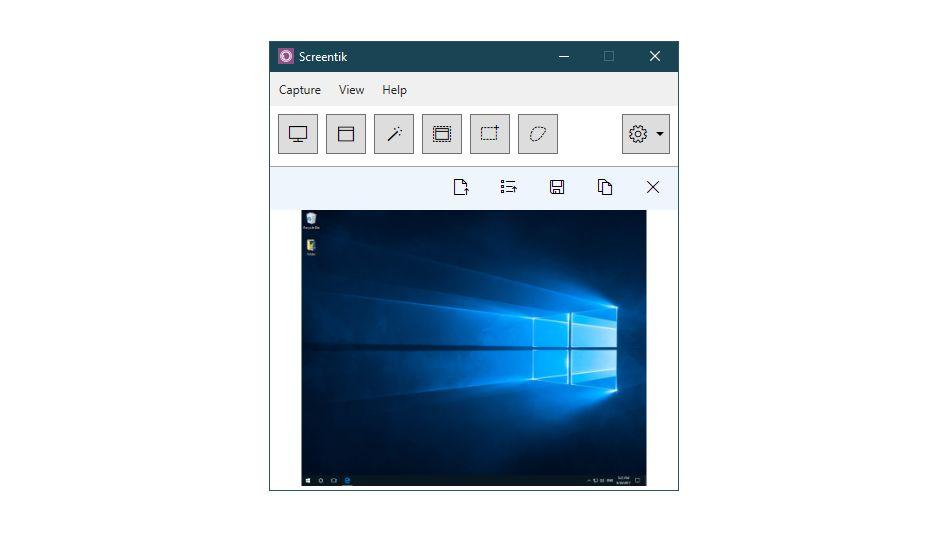
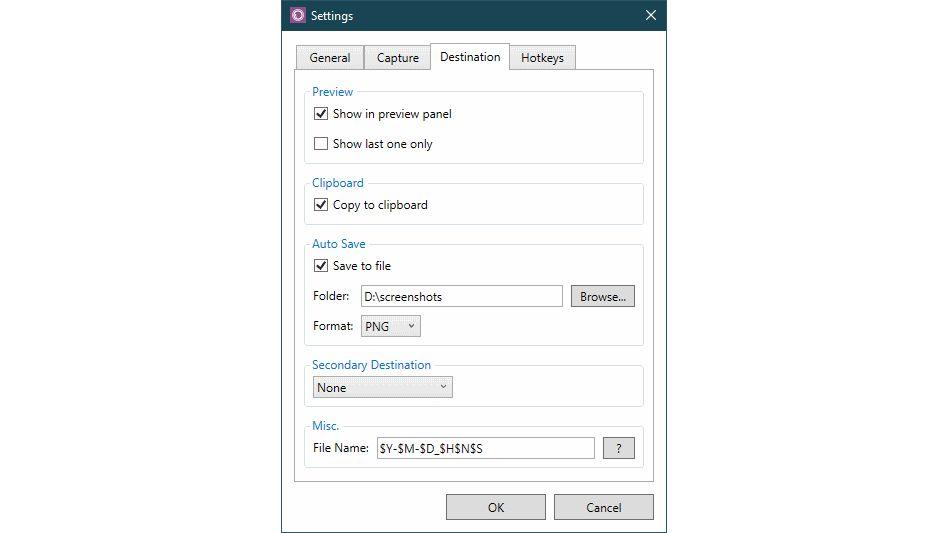
Screentik is a versatile screen capture application that enables users to effortlessly document various on-screen content. The tool's lightweight design belies its robust functionality, empowering individuals to capture windows, objects, full screens, rectangular areas, and freehand regions with ease. Beyond mere image acquisition, Screentik offers a suite of features to streamline the capture process and facilitate seamless integration with other applications Users can choose to save their captures as files in popular image formats such as BMP, GIF, JPEG, and PNG, or conveniently copy them to the clipboard for direct insertion into other programs. The application's drag-and-drop capability further enhances productivity by allowing users to quickly share their captured content with various software. Additionally, Screentik boasts global hotkeys, automated filename generation, and a delayed capture option, catering to diverse user preferences and workflow requirements
Highlights
- Capture windows, objects, full screens, rectangular regions, and freehand areas
- Save captures in BMP, GIF, JPEG, and PNG formats
- Copy captures to the clipboard for easy integration with other applications
- Utilize drag-and-drop functionality to share captures with ease
- Leverage global hotkeys and automated filename generation
- Employ delayed capturing for specific use cases