


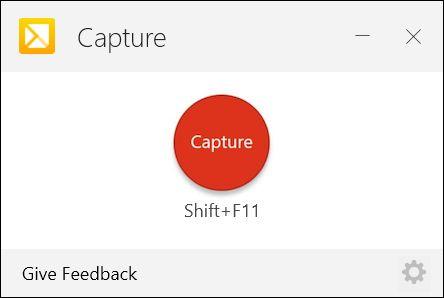
What is TechSmith Capture?
TechSmith Capture is a versatile screen capture and screen recording tool that empowers users to create and share visuals effortlessly, whether for work, home, or entertainment. With the discontinuation of Adobe Flash, TechSmith Capture steps in as a modern, free solution that builds upon the legacy of the beloved Jing application
Highlights
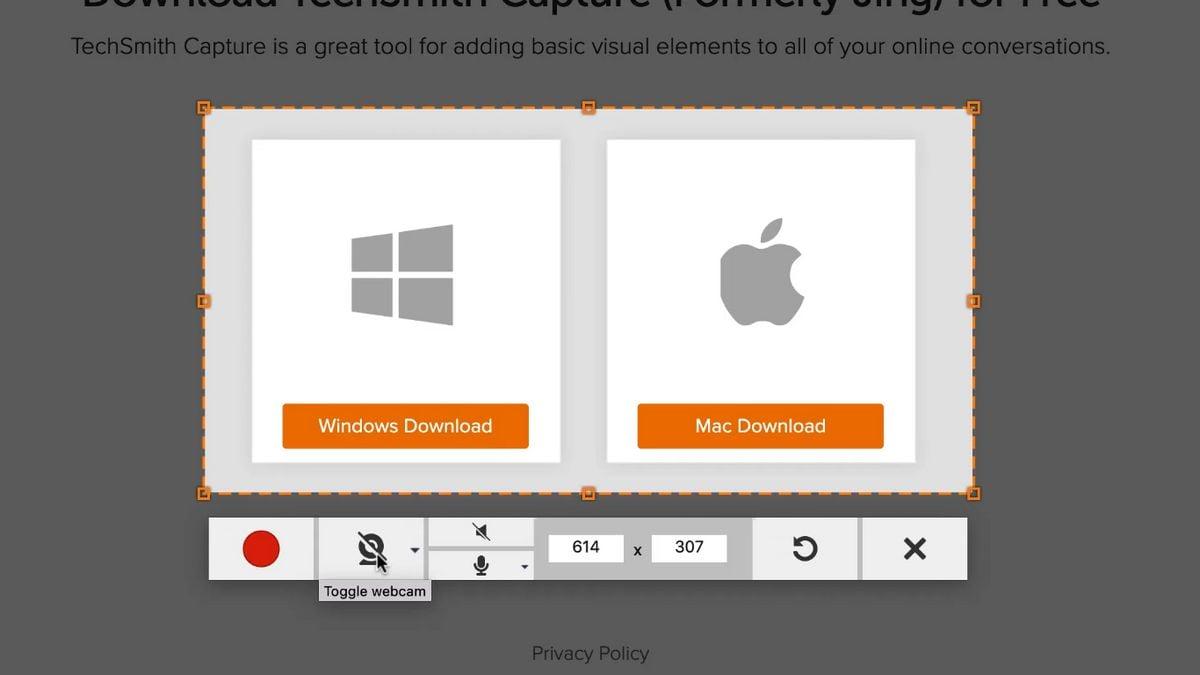
- Modernized video capture with support for longer recordings, webcam integration, and system audio recording
- Ability to share captures directly to TechSmith Screencast or Knowmia platforms
- Updated video output format to MP4 for seamless integration and broader compatibility
- Full screen and regional screenshot capture with simple annotation tools, including arrows, rectangles, highlighters, and customizable callouts
- Seamless saving and sharing options, allowing users to save captures locally or copy/paste into documents
Features
Video screen capture
Share link
Shared links
Image Sharing
Built-in Image editor
Capture Video
Image Annotations
Edit screenshots
Built-in editor
Built-in viewer
Upload images
Upload Screenshot
Share Videos
Record videos
Support for Hotkeys
Integrated File Sharing
Annotate Screenshot
Share screenshots
Screen Recording
Video upload
Record HD screen
Direct file uploading