


What is Userlane?
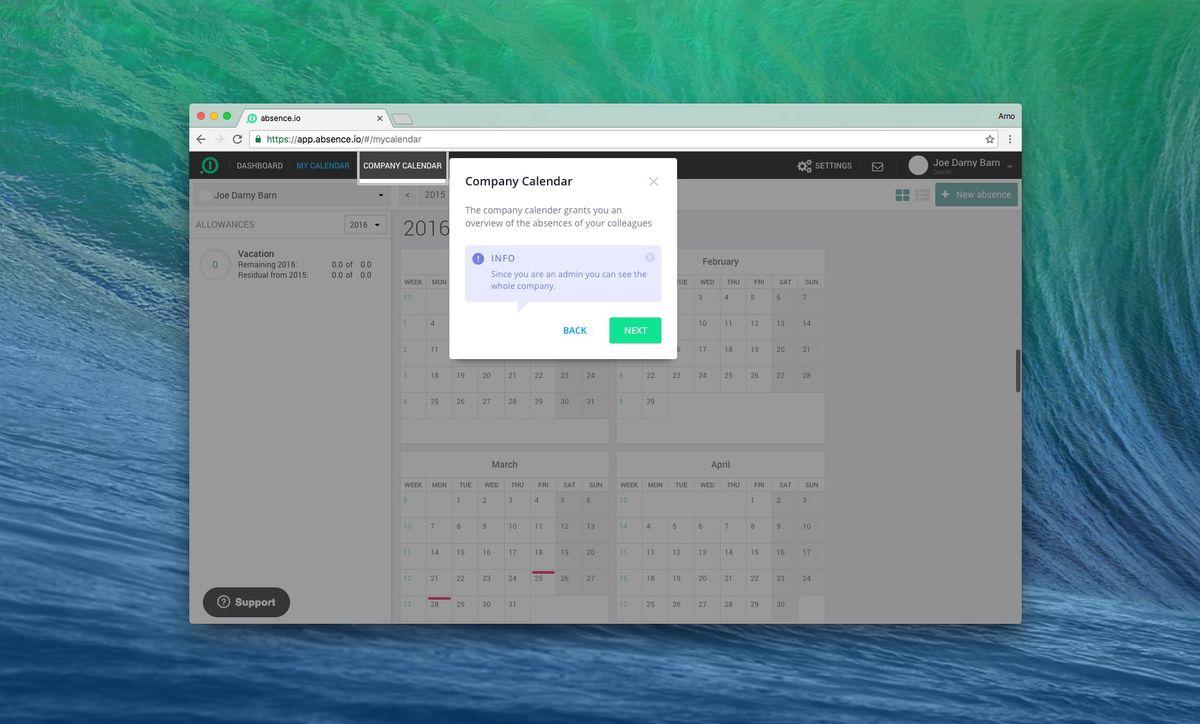
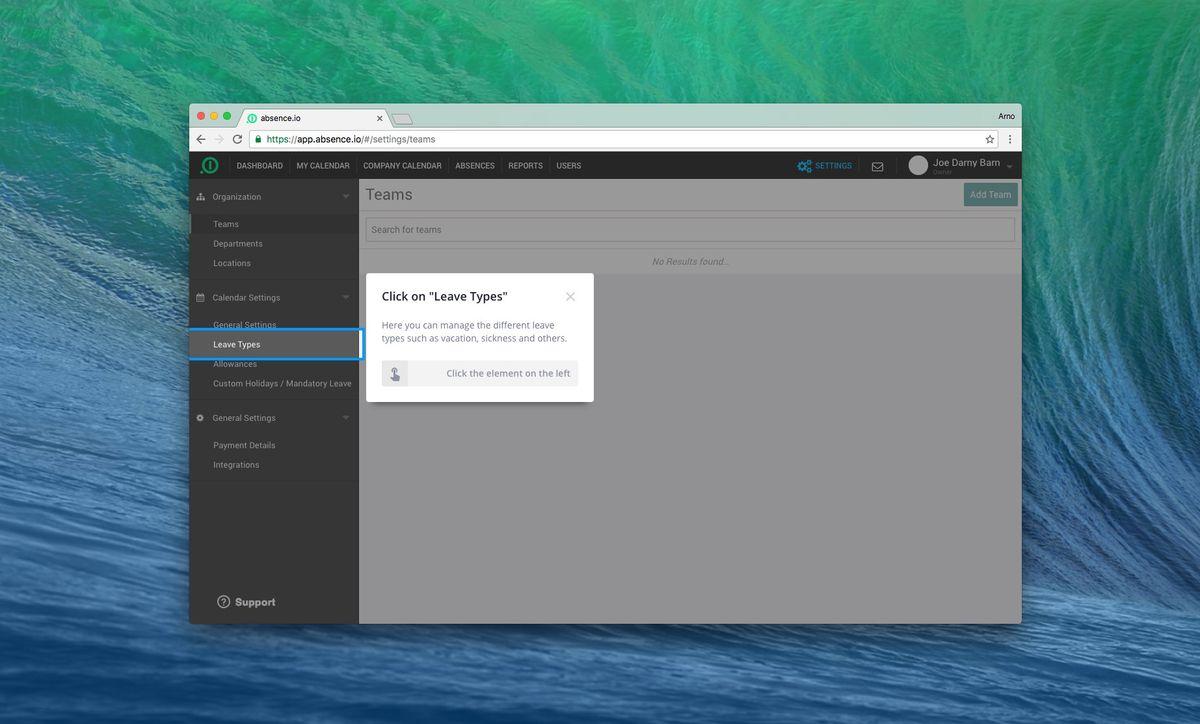
Userlane is a Digital Adoption Platform that streamlines user onboarding and employee training by providing interactive, step-by-step guides within any software application. Its intuitive technology functions as a navigation system, enabling users to operate complex software without any prior knowledge. Key to Userlane's solution are the interactive guides that can be quickly implemented on top of existing web-based applications, guiding users through processes in real-time, similar to a GPS system in a car Unlike video tutorials, Userlane's in-app guidance allows users to receive just-in-time support while working within the actual application. This helps SaaS companies enhance their onboarding experience, increase conversion, activation, and retention rates, as well as address support tickets more effectively. The platform enables organizations to implement new software more rapidly and without resistance to change, as Userlane's guides can be created without any coding or changes to the underlying software Userlane also offers an analytics framework, Userlane HEART, which provides real-time visibility into an organization's digital transformation progress. This allows stakeholders to uncover and mitigate critical process risks, maximize productivity, and optimize user experiences by delving into user behaviors and engagement levels across different applications
Highlights
- Interactive, step-by-step guides integrated directly within software applications to enable users to operate complex tools without prior knowledge
- Ability to create guides without coding or changes to the underlying software, allowing for rapid implementation
- Real-time analytics and visibility into digital transformation progress, user behaviors, and engagement levels to identify areas for improvement
Features
User experience
Ticketing
Customer Segmentation
Employee training
Onboarding
No Coding Required
Employee onboarding
Customer Analytics