
What is Vanilla File Manager?
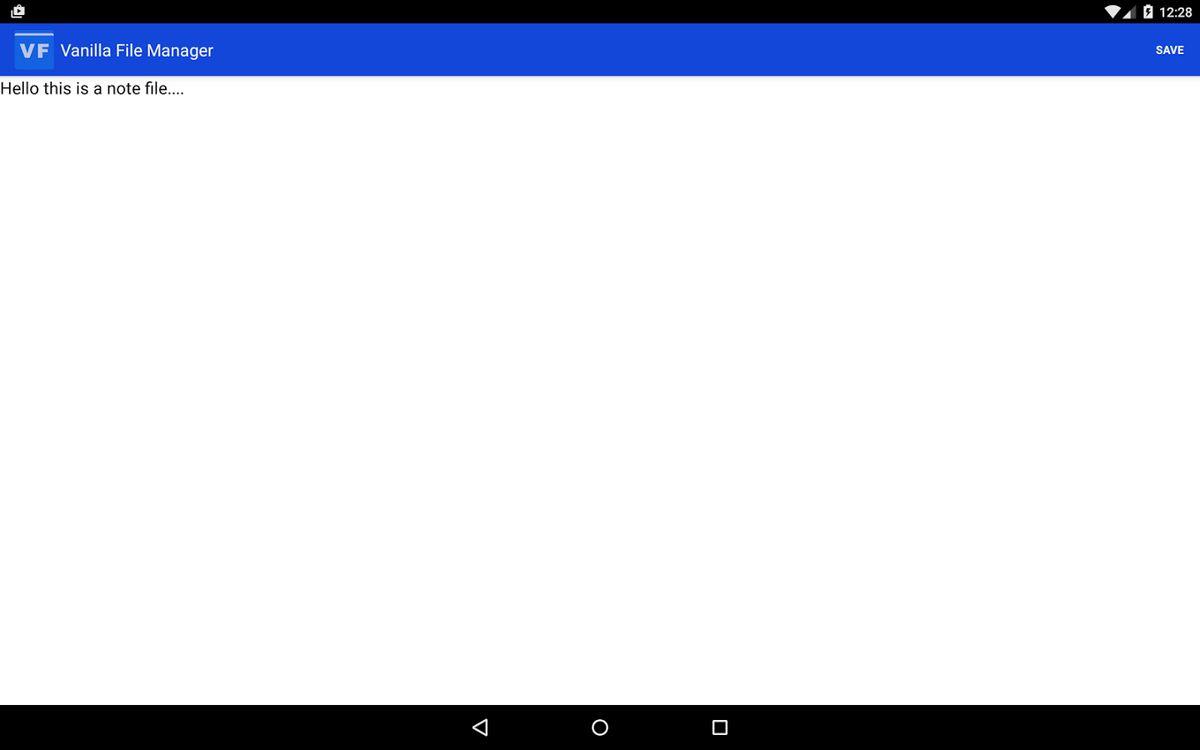
Vanilla File Manager, also known as File Explorer, is a comprehensive file management solution designed for Android Marshmallow and upcoming Android operating systems. Unlike other file manager applications, Vanilla File Manager (File Explorer) is remarkably simple, elegant, and user-friendly. Rather than providing a myriad of features like remote file management (Google Drive, Dropbox, SugarSync, etc.), application management, and RAM cleaning, Vanilla File Manager focuses solely on the local file system, ensuring a streamlined and efficient user experience Despite its simplicity, Vanilla File Manager does not compromise on the essential features required for effective file management. It supports all the basic file operations you need in your daily routine, including:
Highlights
- Copy Files: Easily copy files, just like on a desktop or laptop. Select the file, tap the copy option, and choose the desired destination
- Move Files: Similar to the copy feature, you can seamlessly move files from one location to another
- Delete Files: Quickly delete files from your device without the need to connect to a desktop or laptop
- File Properties: Vanilla File Manager provides detailed file and folder properties, akin to the information available on a desktop or laptop
- External USB Media Support: Manage files stored on external USB media directly through the file manager.
Platforms
- Android
- Android Tablet
Languages
- English