
What is VeryPDF PDF Editor?
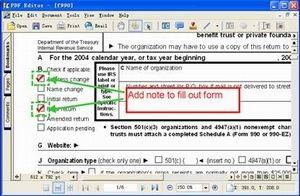
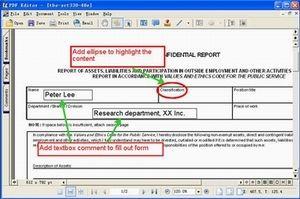
VeryPDF PDF Editor enables users to seamlessly interact with PDF documents by providing a comprehensive set of tools to annotate, edit, and convert content. The application's intuitive interface allows users familiar with Microsoft Office to easily write comments, add or modify text, correct spelling, and delete unwanted content within PDF files. Beyond basic editing, the tool offers the capability to save, move, copy, paste, and print annotations and content changes, streamlining collaboration and document management workflows. Furthermore, VeryPDF PDF Editor supports conversion between PDF and various other file formats, including text, image, and graphics, empowering users to work with PDFs in diverse contexts. With these robust features, the application aims to enhance productivity and cost-effectiveness compared to alternative solutions
Highlights
- Annotate PDF documents with user-generated comments and feedback
- Edit PDF text, including adding, modifying, and deleting content
- Convert PDF files to and from a variety of formats, including text, image, and graphics
- Manage PDF content through saving, moving, copying, pasting, and printing capabilities
Platforms
- Windows
Languages
- English
Features
Edit PDF
Convert PDF to image
Create PDF files