
What is Workspace Manager?
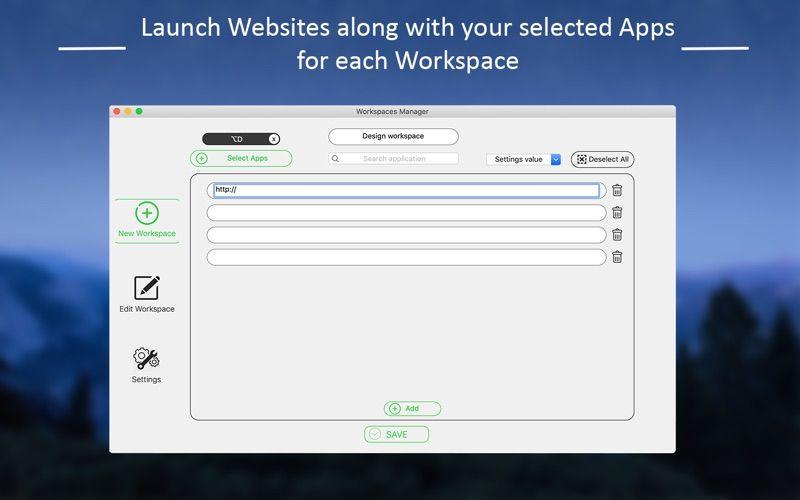
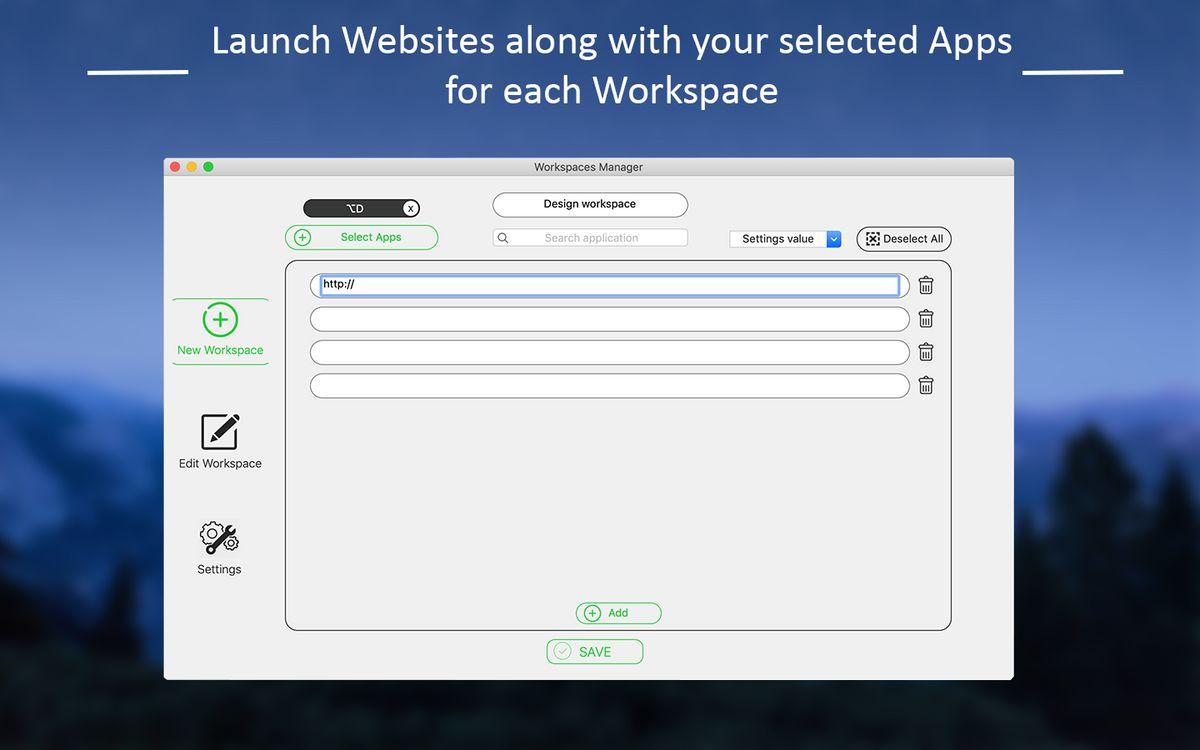
Workspace Manager is a versatile tool that enables users to organize and launch customized workspaces with a few clicks. This application allows users to create and manage distinct workspaces, each containing a specific set of applications and websites. Users can select their preferred apps from a comprehensive list and add relevant websites to build their ideal workspace. Each workspace can be assigned a unique name and a custom hotkey for easy access. The app offers flexibility in workspace management, providing options to either hide or close other running applications when launching a new workspace. This ensures a focused and uncluttered work environment. Users can seamlessly switch between workspaces, with the ability to view the details of each workspace, including the selected apps and websites, directly from the menu. Workspace Manager also offers personalization features, allowing users to choose between light and dark modes to suit their preferences. The application's intuitive interface and robust functionality make it a valuable asset for professionals, students, and anyone seeking to optimize their digital work environment
Highlights
- Create and edit customized workspaces by selecting preferred apps and websites
- Assign a unique name and hotkey to each workspace for quick access
- Option to hide or close other running apps when launching a workspace
- View details of each workspace, including the selected apps and websites
- Choose between light and dark mode appearance
Platforms
- Mac
- iOS
Languages
- English
Features
Application Launchers
Workspaces
Hide apps